
Create your Sevloom Cloud account
Sign up or sign in to the Sevloom Cloud dashboard before setting up a managed circle.
Get the mobile app
Install Sevloom on the phone you carry, connect your services, and receive pages from trusted applications.


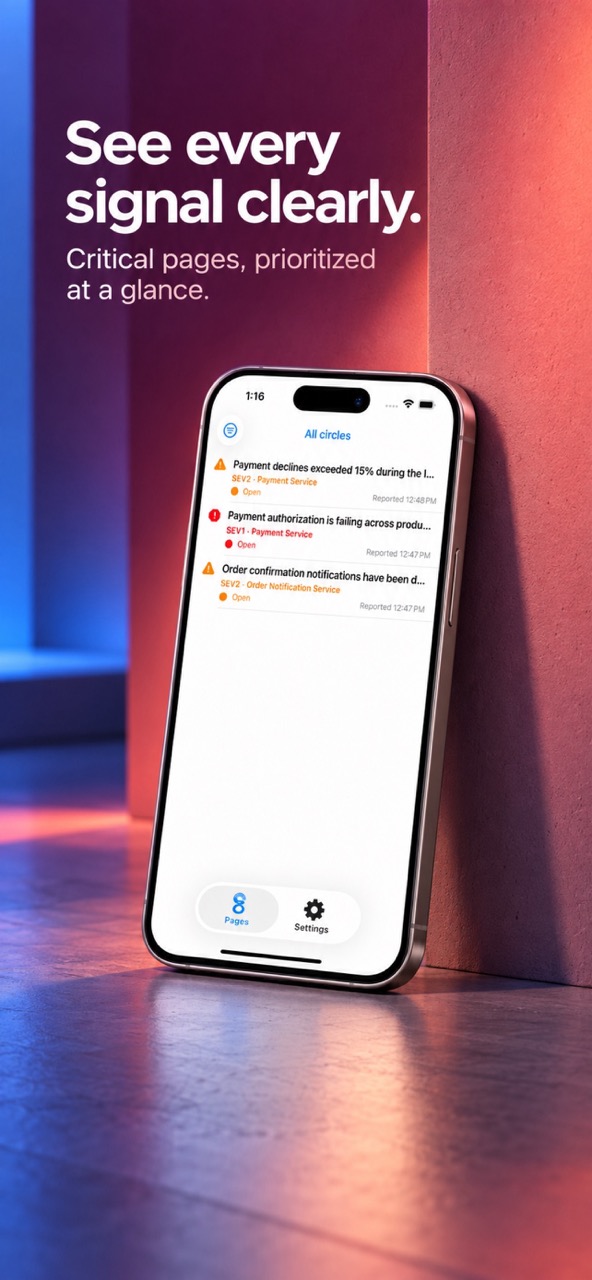
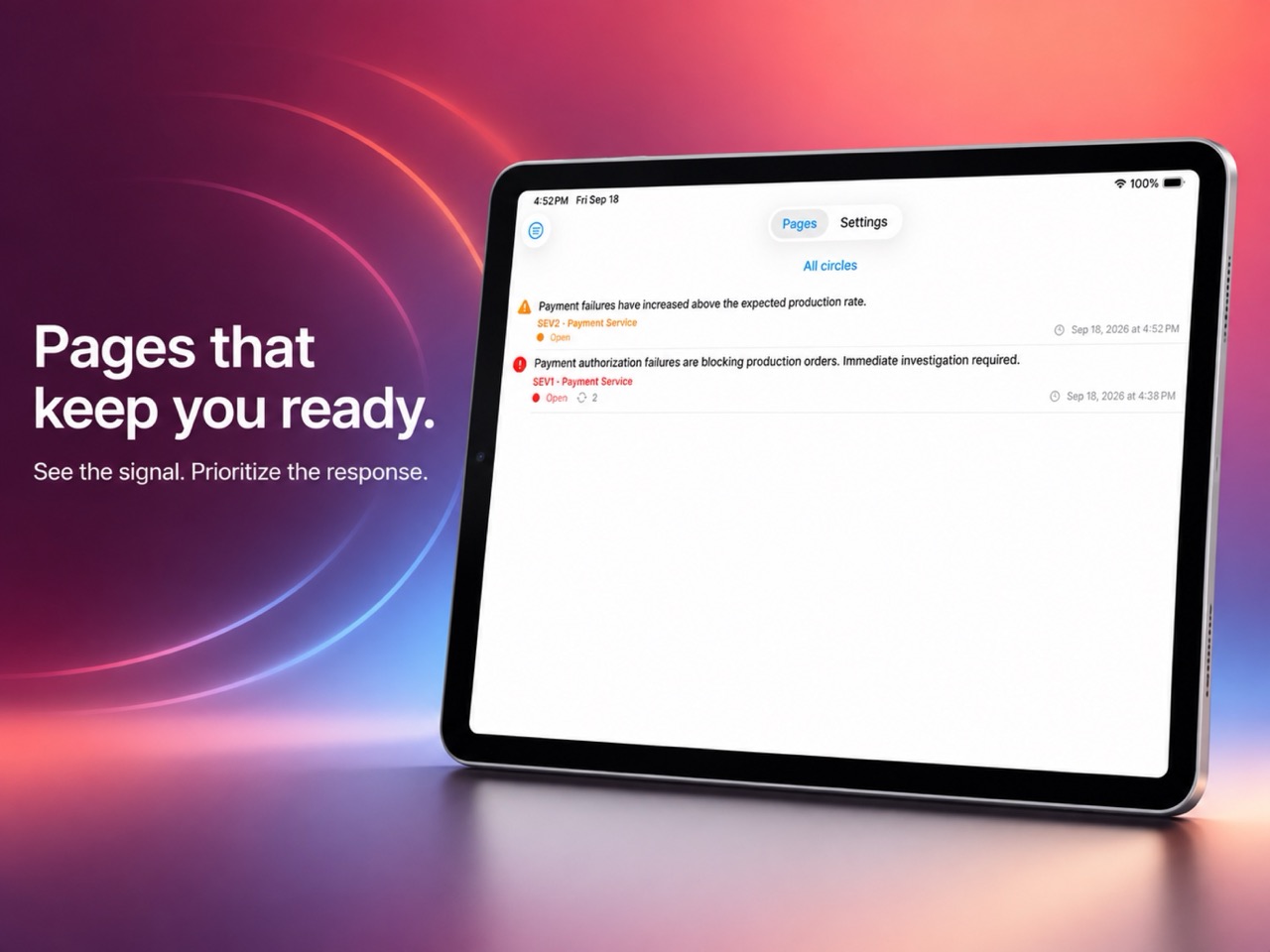
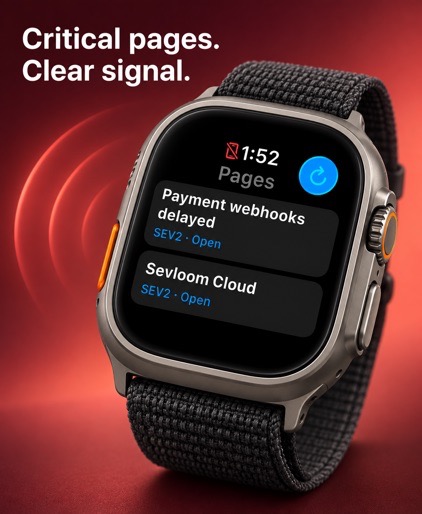
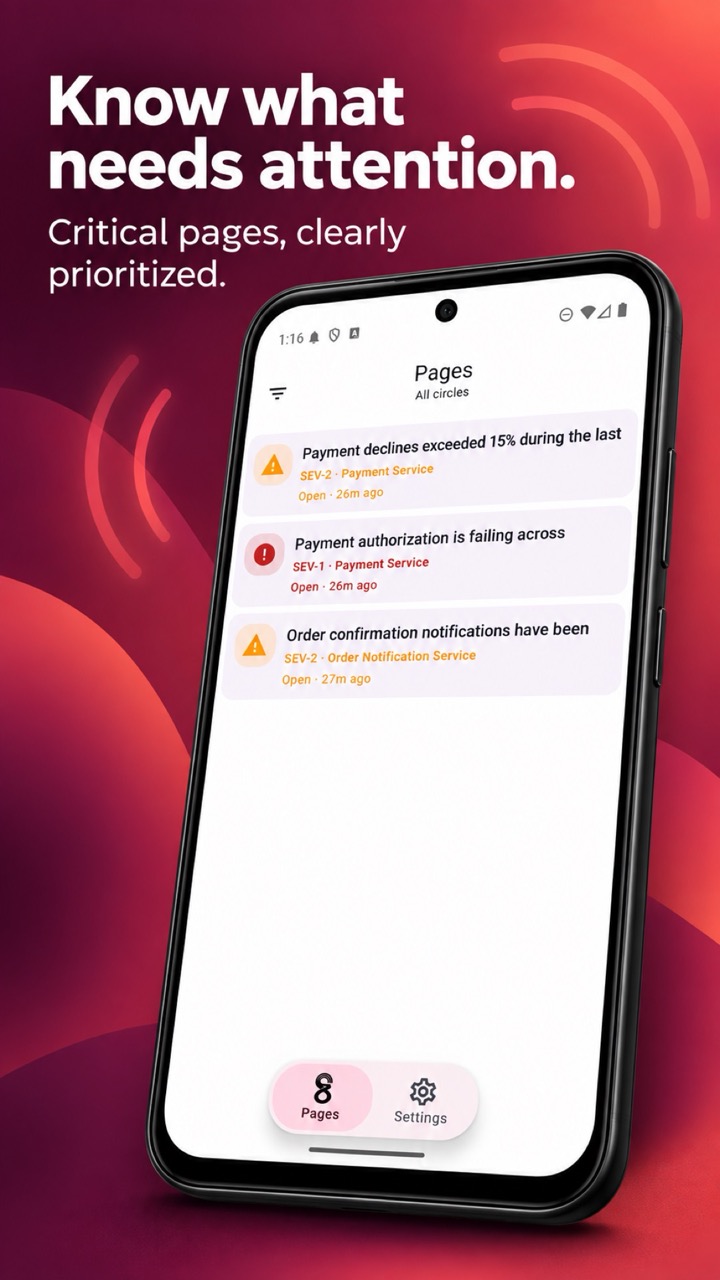
See Sevloom in action
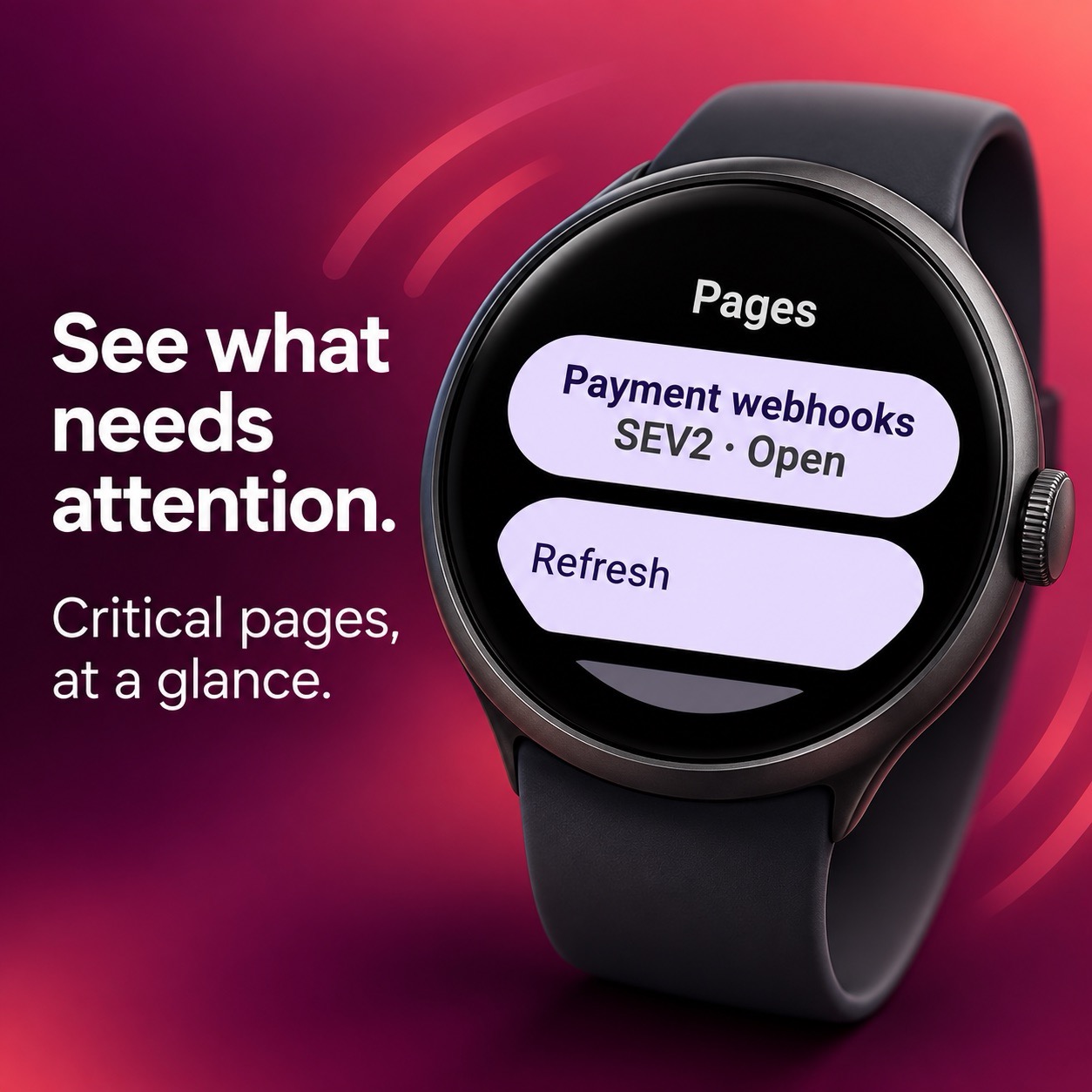
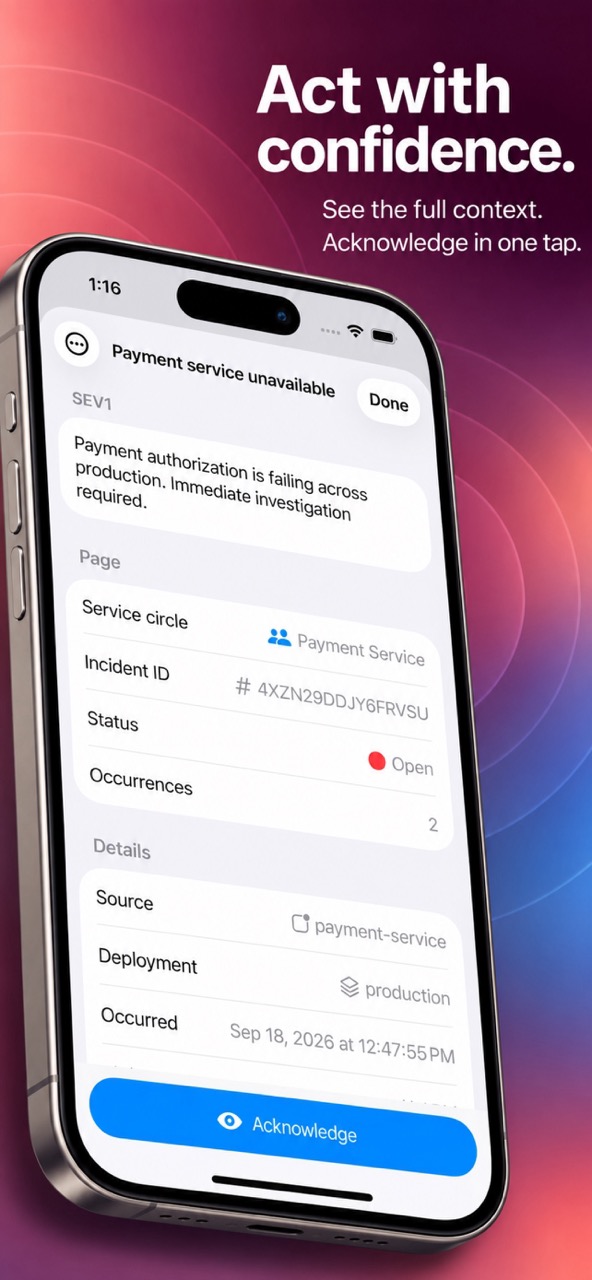
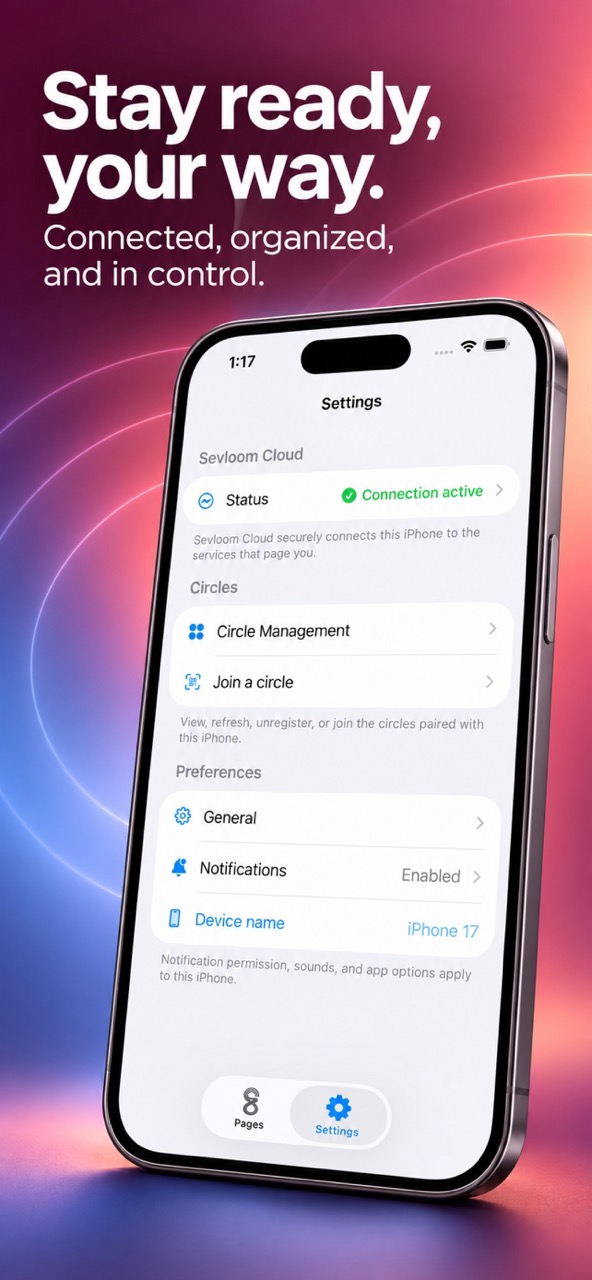
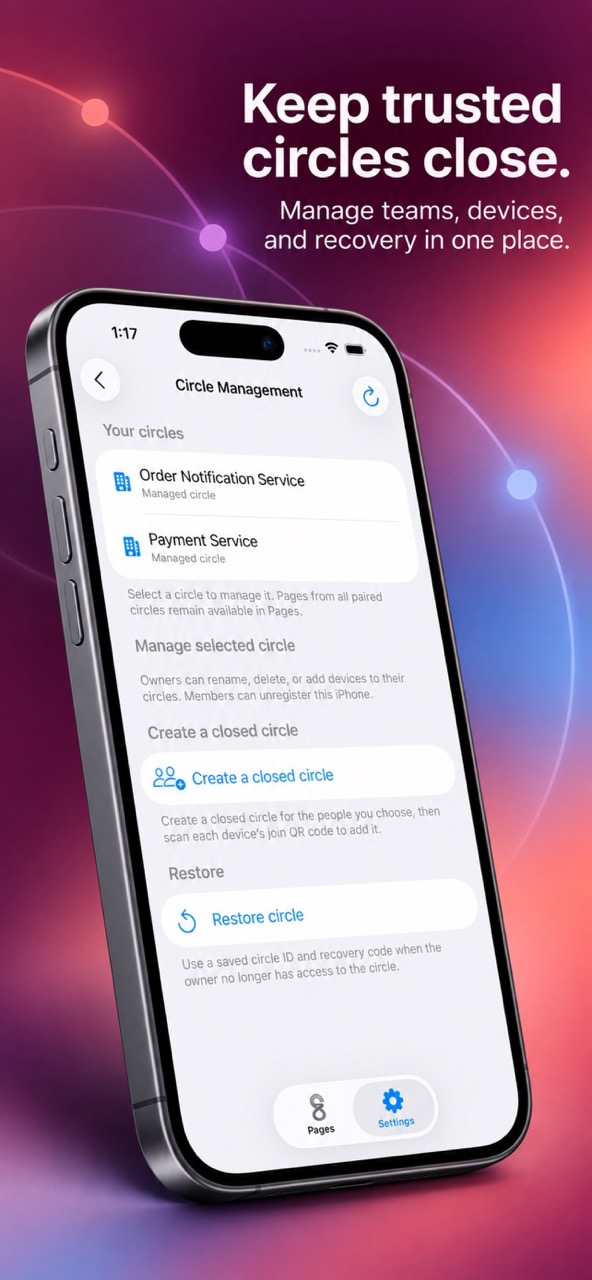
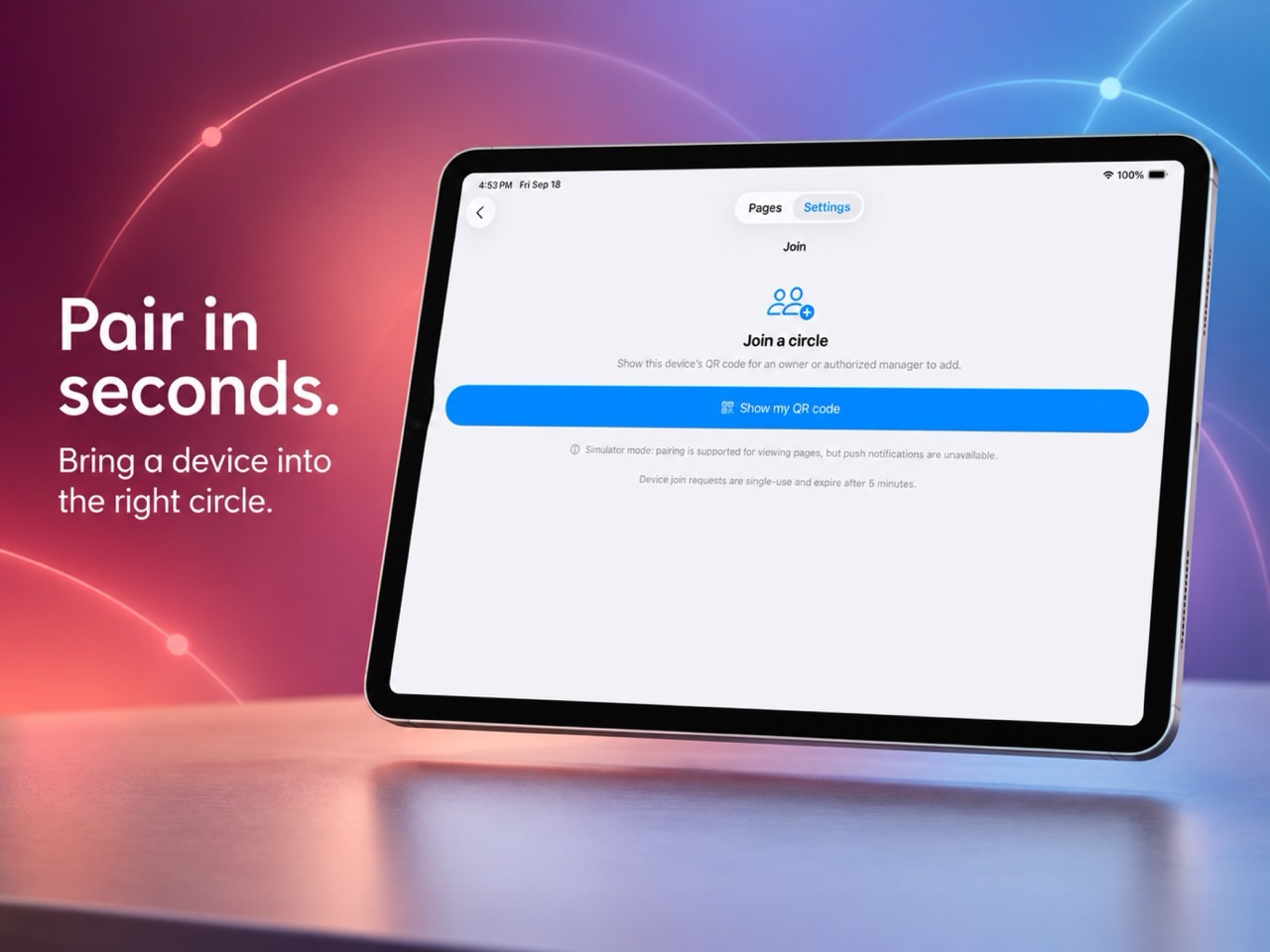
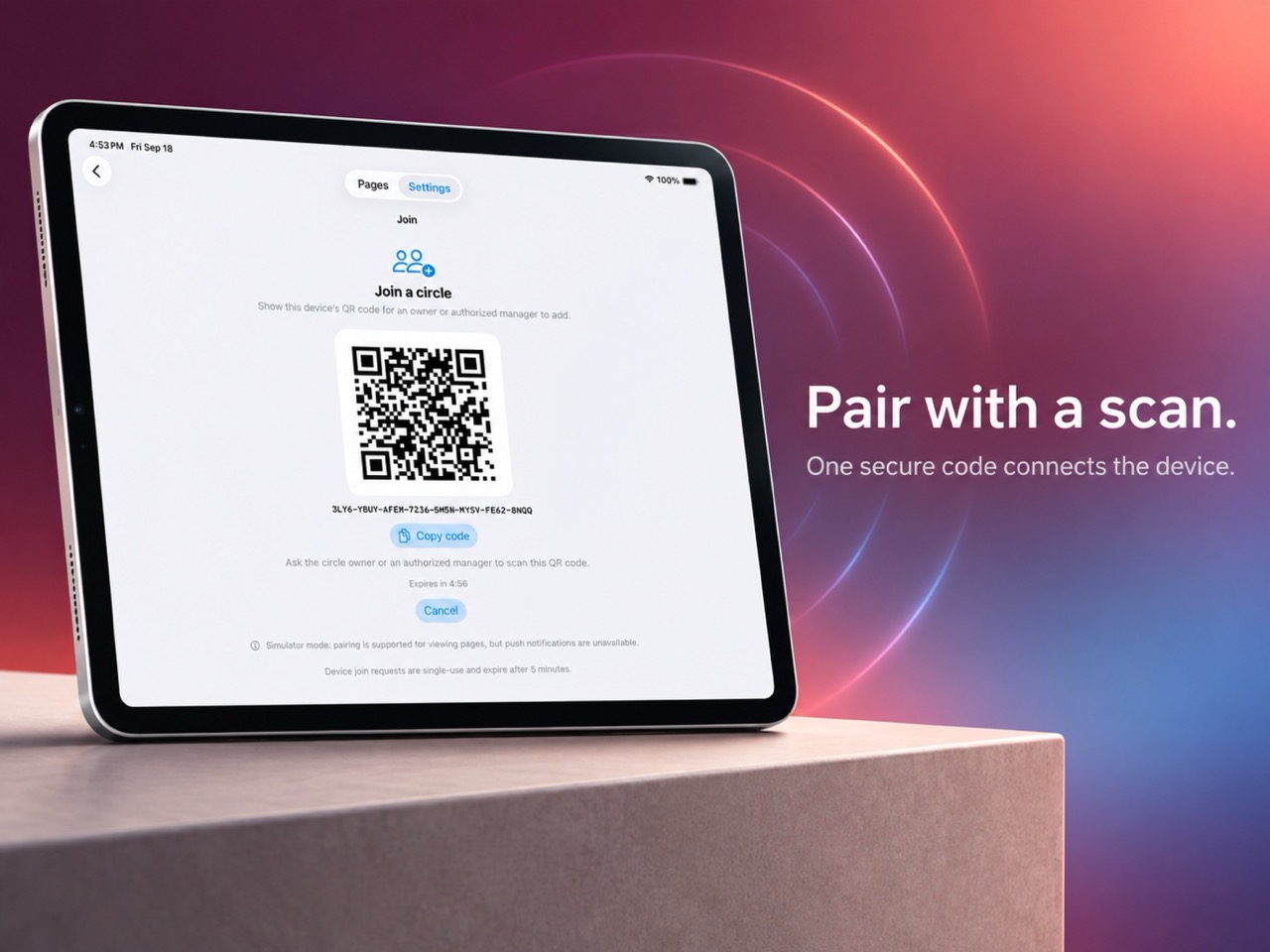
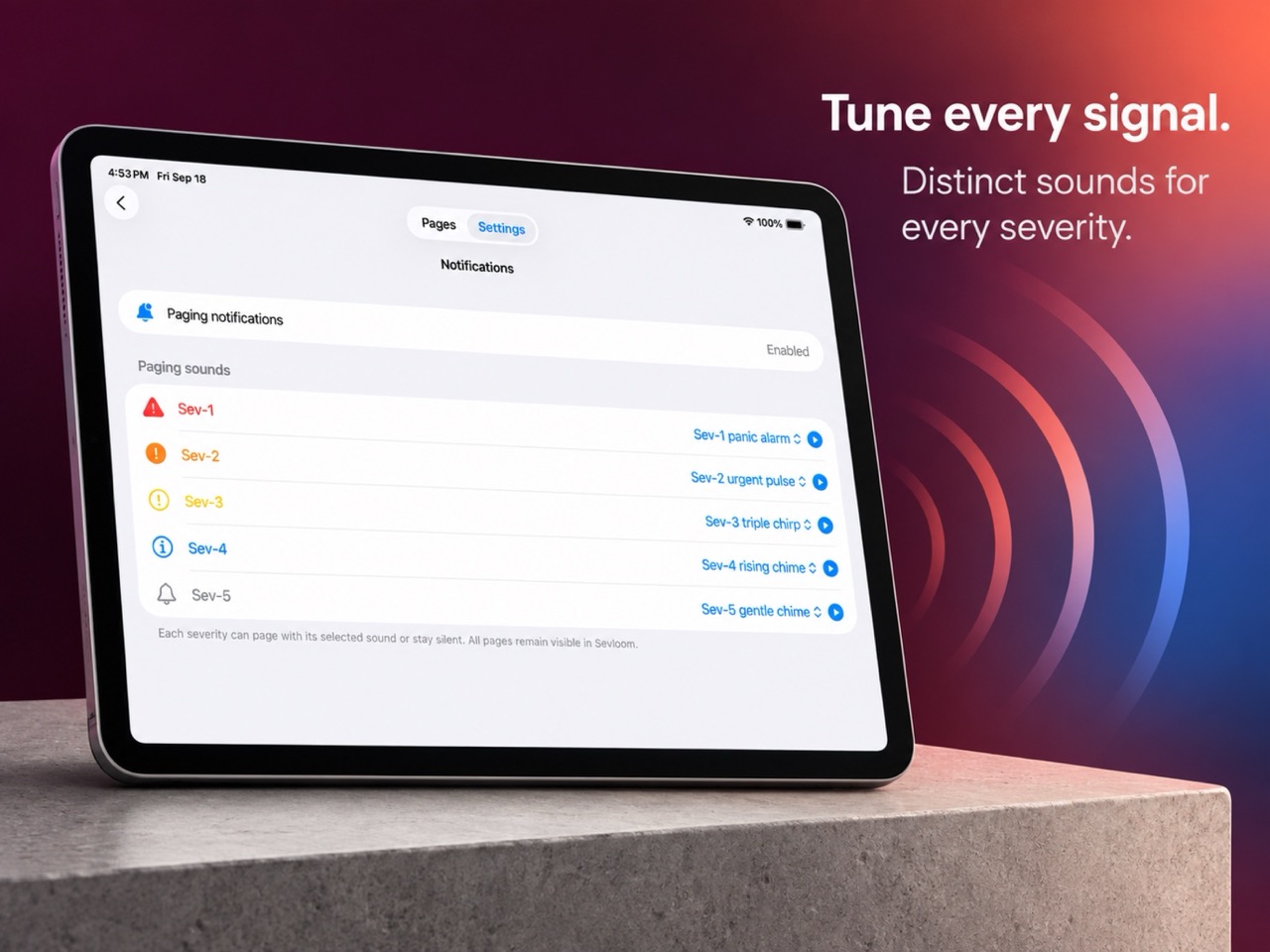
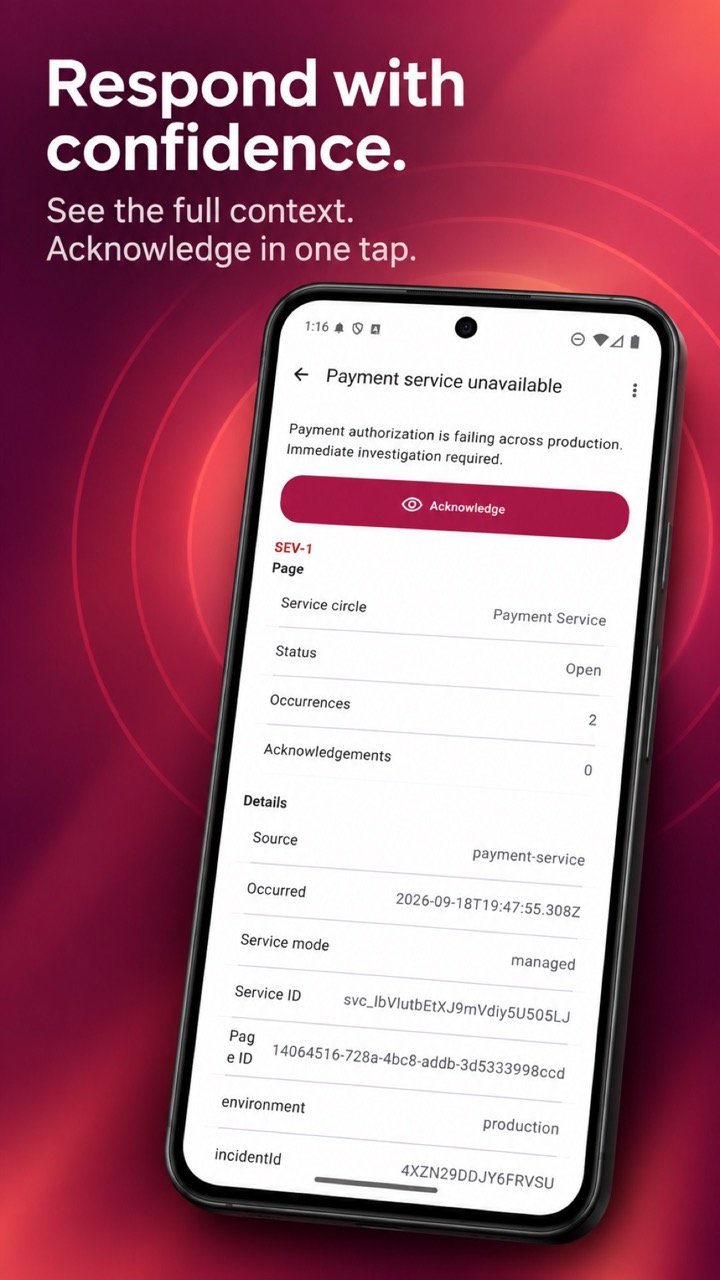
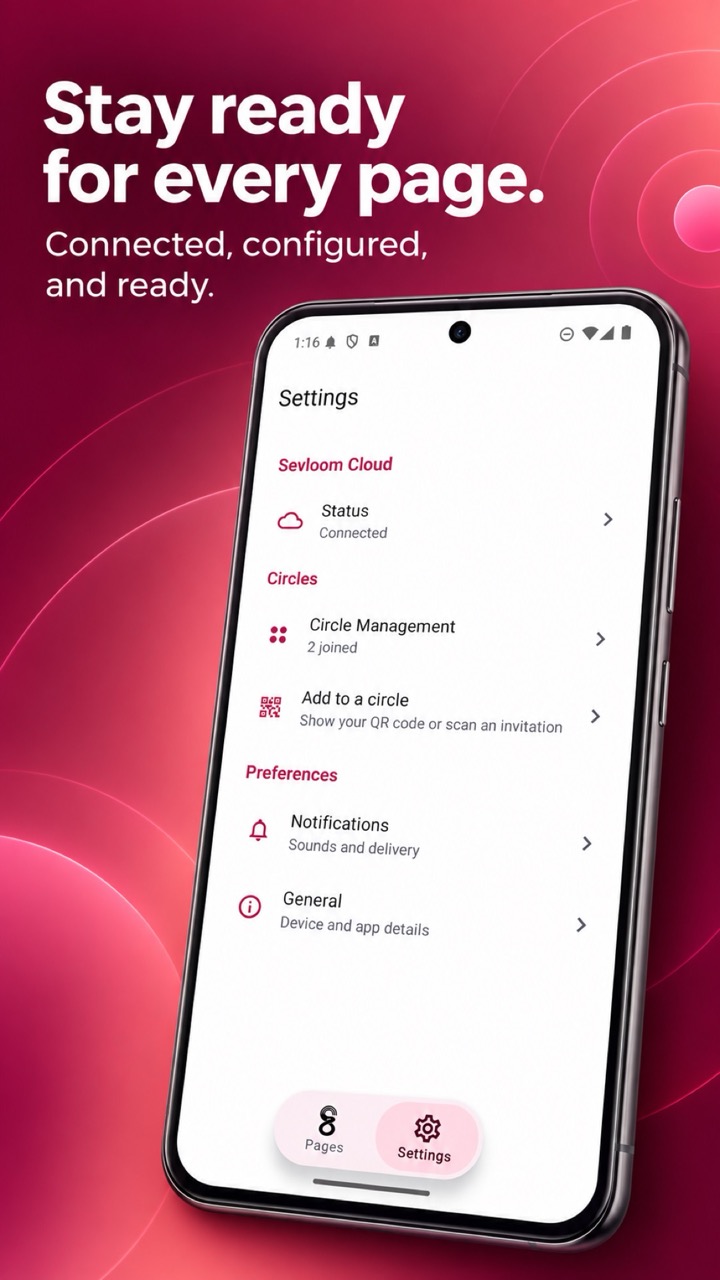
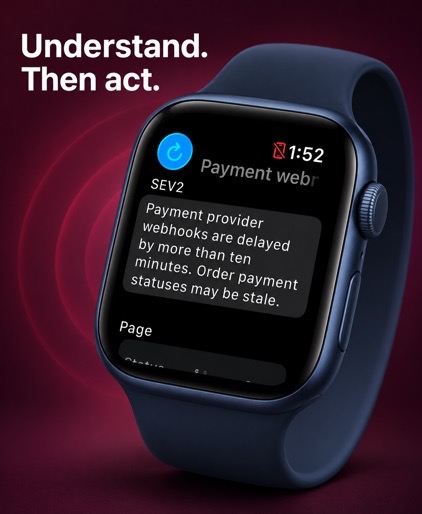
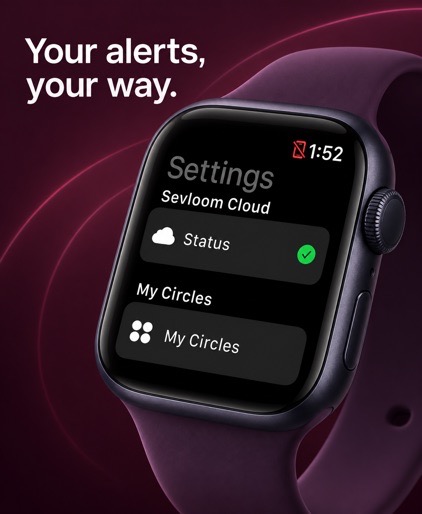
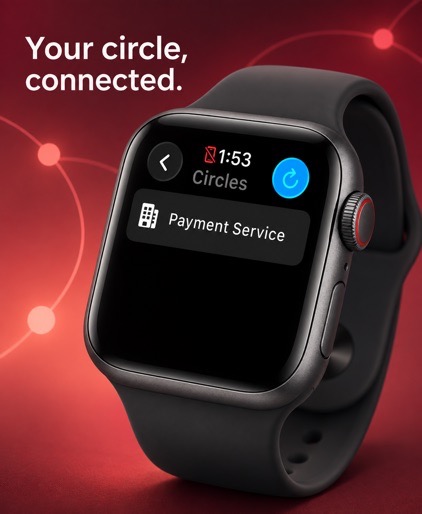
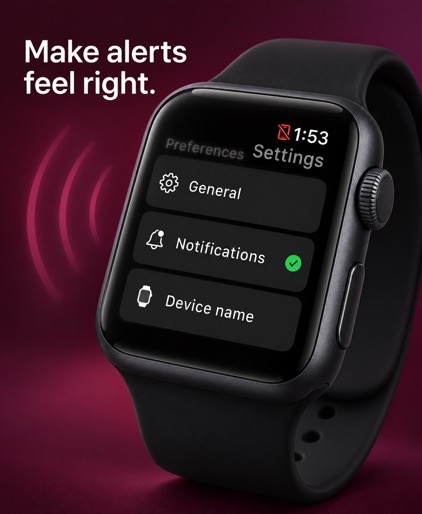
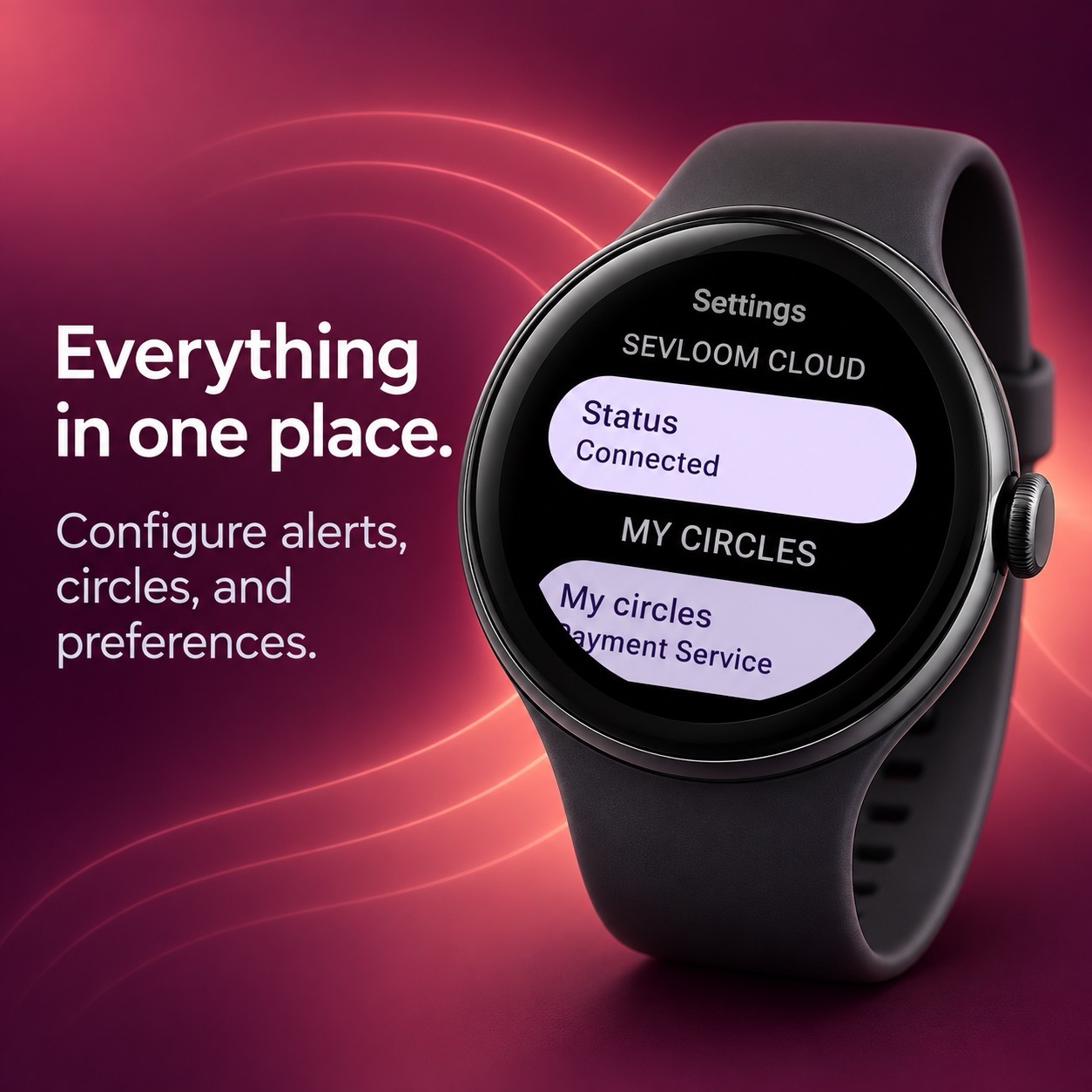
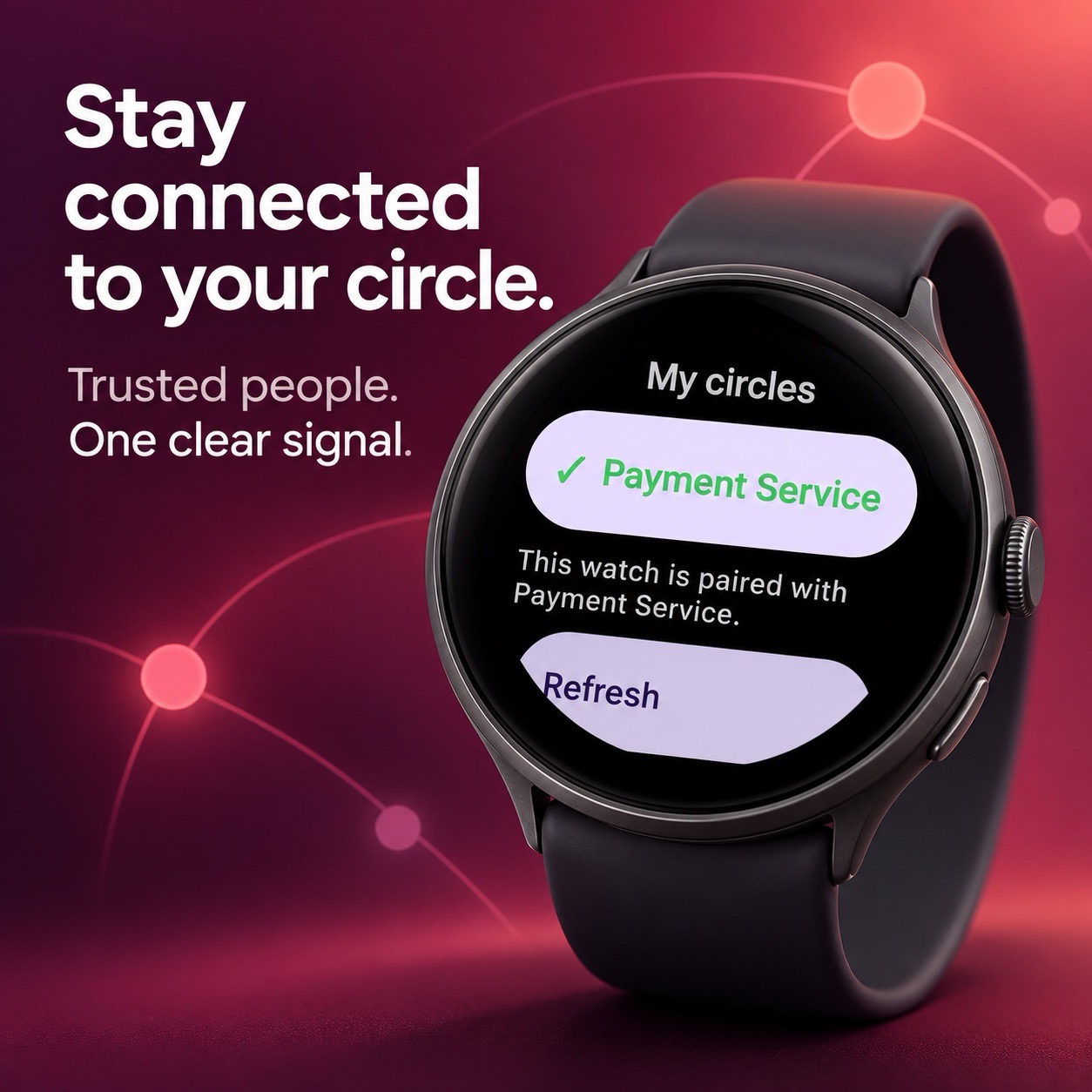
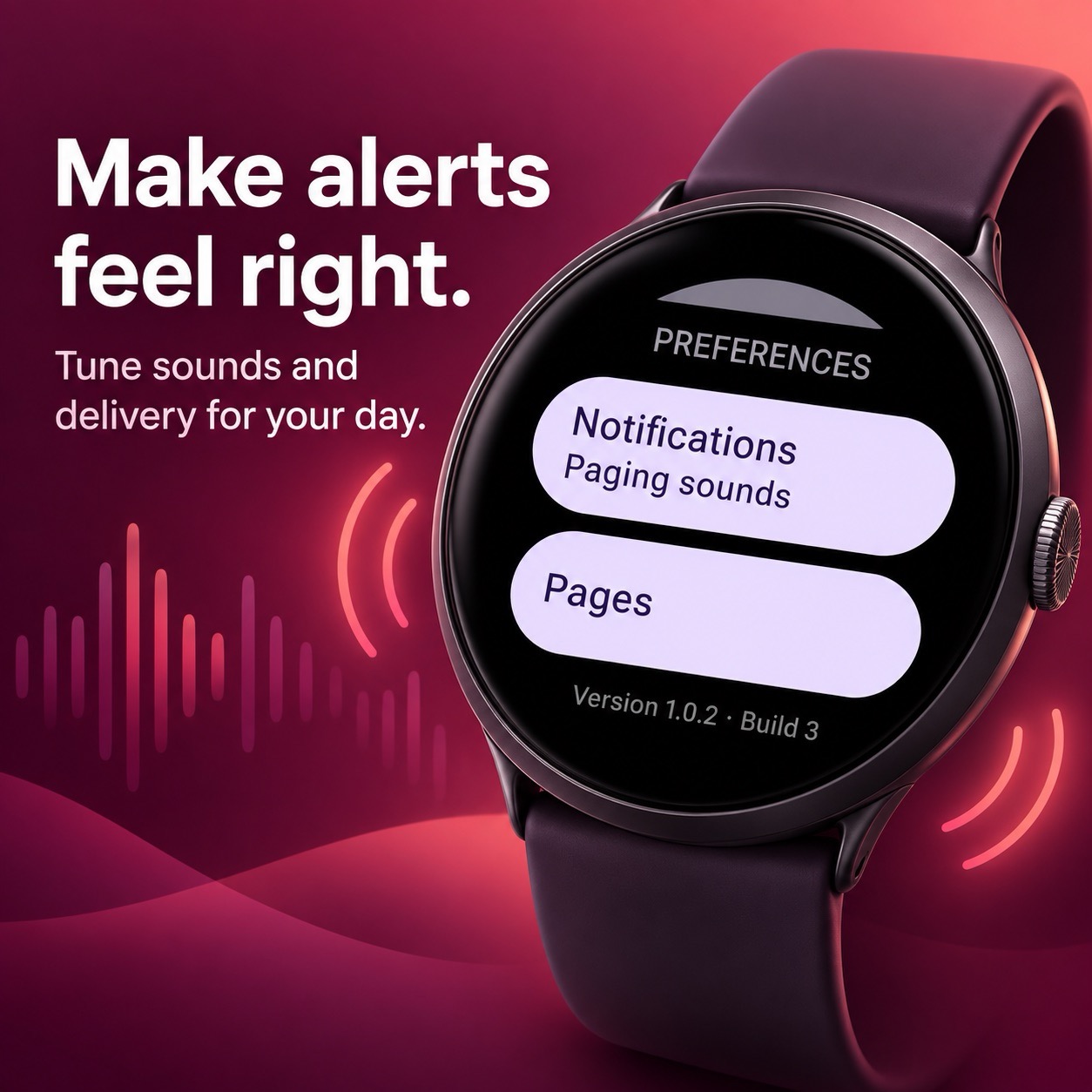
Browse the app across iPhone, iPad, Android, Apple Watch, and Wear OS.

Complete setup
Start with the setup that fits how you want to use Sevloom. You can connect additional circles and devices later.
Sign up or sign in to the Sevloom Cloud dashboard before setting up a managed circle.
Install Sevloom on each iPhone, iPad, Android phone, or watch that should receive pages, then allow notifications and choose the sound treatment for SEV-1 through SEV-5.
In Sevloom Cloud, create the circle for your team, service, or operational environment.
Generate the pairing code from each Sevloom app, then enter or scan it in the circle’s device-management screen.
Create a labeled key for your trusted server-side system and store it in a secret manager.
Add the circle ID and API key to your server-side integration, call the Page API, and confirm delivery on the paired devices.
Hosted API
The Sevloom API accepts compatible page requests from trusted applications and monitoring adapters. The API guide covers authentication, enrollment, and the request format.
Read the API guide